Skip to Content

Tour My Home Lab

I am aware of the security implications of publicly disclosing my specific hardware and software. However, in the context of my threat model,  impressing potential employers outweighs the risk.

The General Layout

I don't have space for a full sized server rack, So I had to get creative. The unique arrangement has heavily influenced my hardware choices.
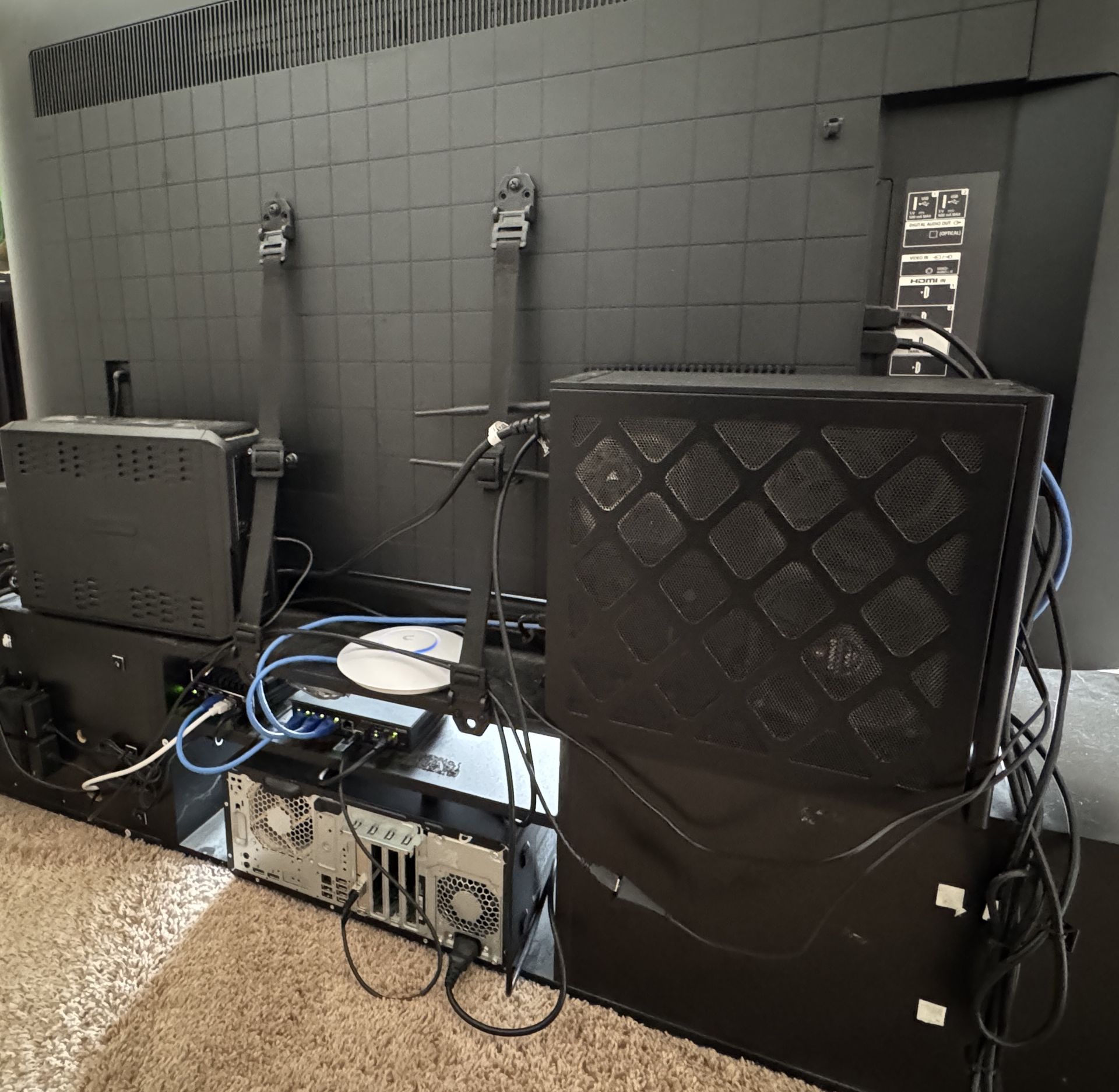
Every Device is carefully tucked behind or around the living-room TV in an effort to maintain wife-appeal. 

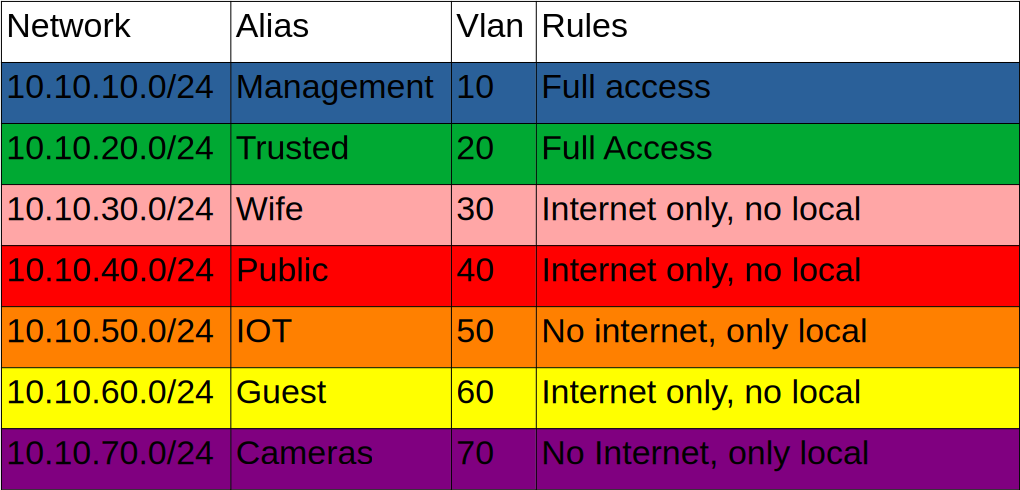
I am constantly tinkering, so this topology diagram is almost certainly outdated, but it gives a rough idea of my layout and the colors are pretty.
The Gateway

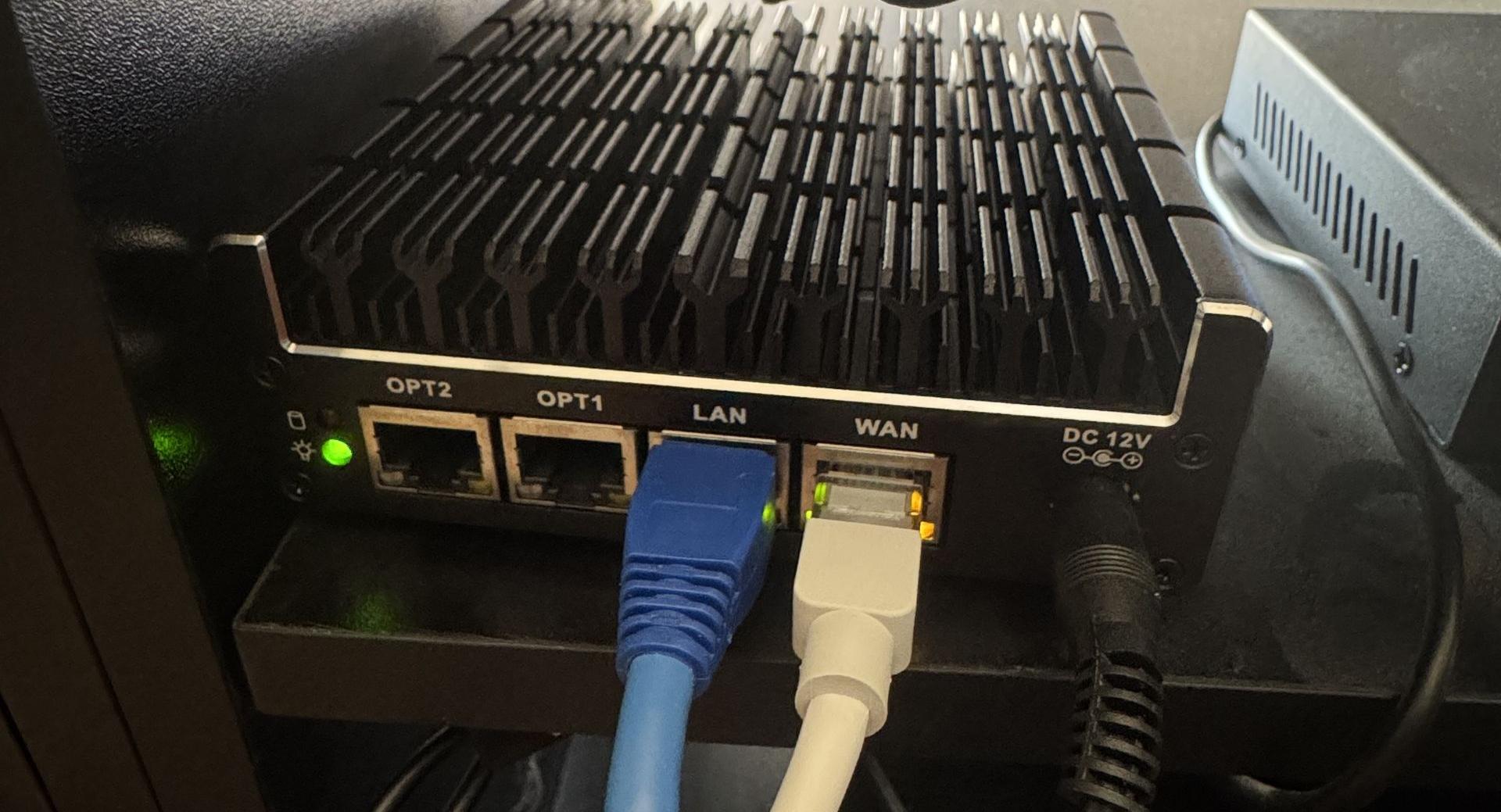
I started out by renting an all-in-one WiFi router from my ISP. However, the decision to segment my network to separate publicly hosted services meant I needed something more advanced. Initially, I considered virtualizing my router/firewall, but I quickly ran into a chicken-and-egg problem, so I purchased dedicated hardware instead.


The Protectli Vault FW4C is a silent mini pc that was purpose built for hosting open source firewalls. It has four 2.5GbE I226-v network interfaces. 

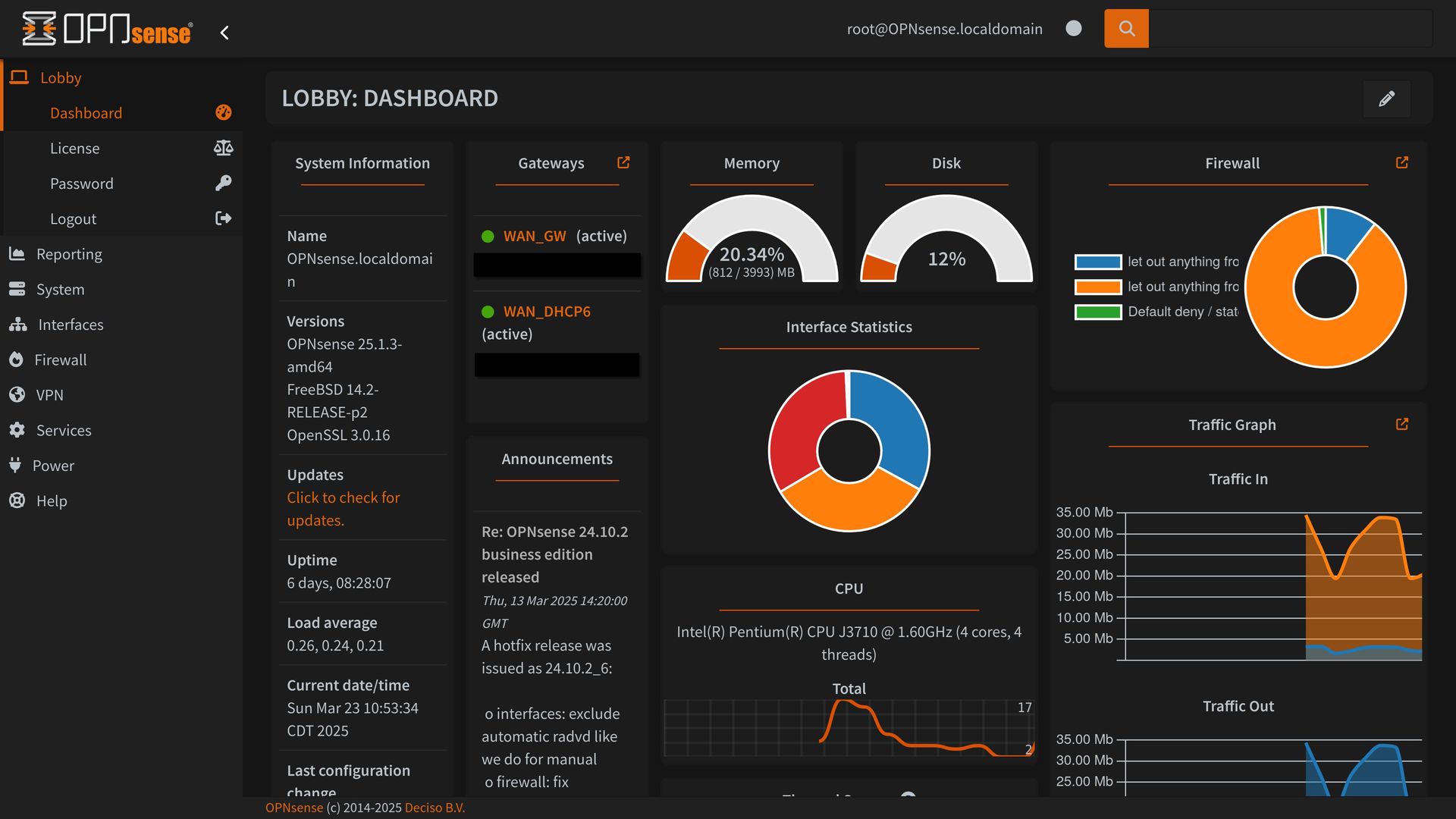
OPNSense is an open-sourced firewall and router operating system based on FreeBSD. I started with pfSense for an OS, but eventually switched to OPNsens because I preferred its GUI layout.

My OPNSense hosts many services including:

  • NAT
  • Firewall
  • DHCP
  • Unbound DNS for network-wide adblocking
  • Wireguard VPN for remote access

The Switch

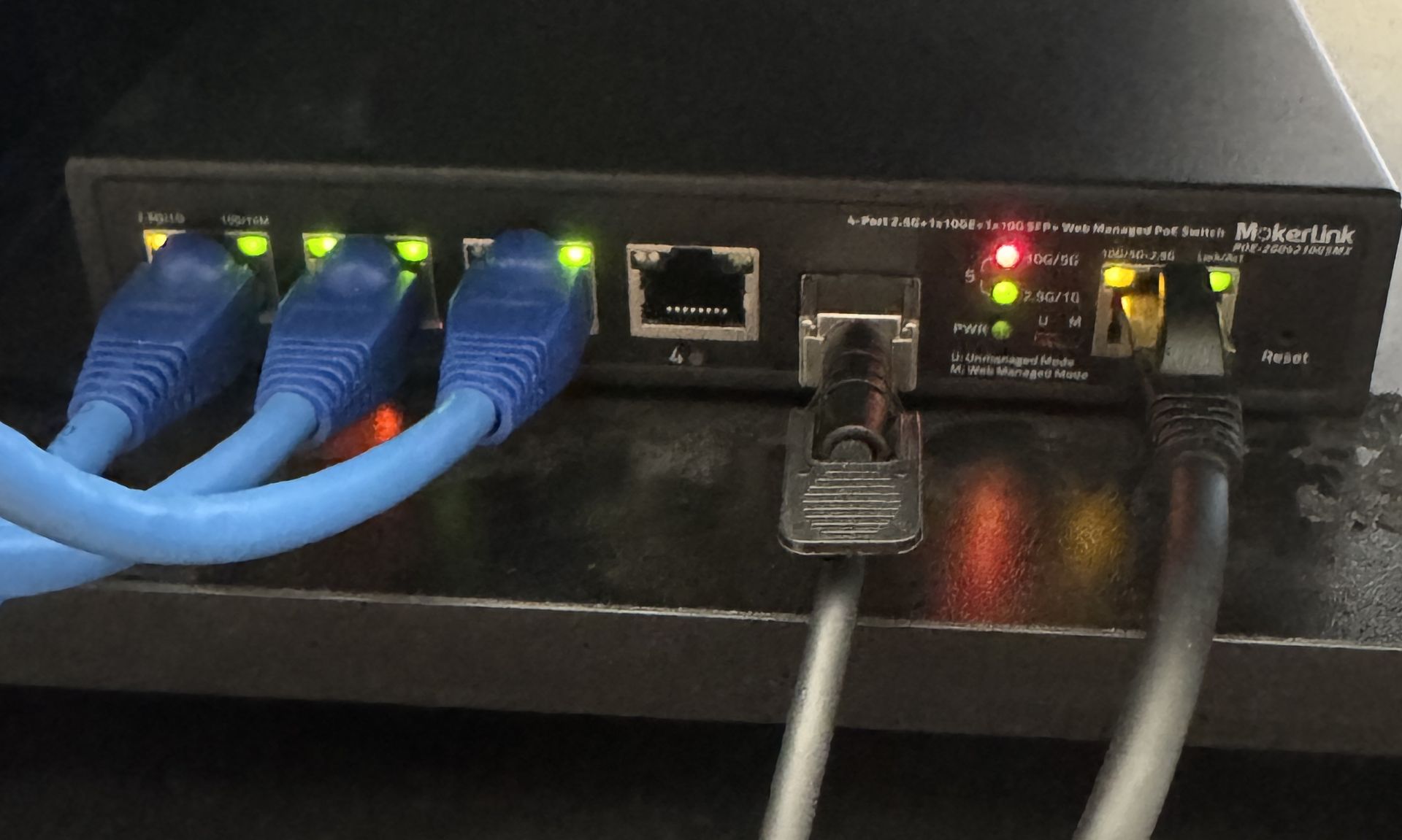
I primarily chose this switch as it was the cheapest option while still checking all my boxes. I knew I needed a managed switch for vlans, and I wanted 10 Gigabit connections to connect my desktop and server. I bought the PoE version on a whim, but quickly appreciated that feature when it became time to set up my wireless access point. I only wish it had more ports, as I will need to upgrade someday.

The MokerLink POE-2G04210GSMX is a cheap no-name switch, but it has a good mix of features.

  • 4 x 2.5 Gigabit Ethernet
  • 1 x 10 Gigabit SFP+
  • 1 x 10 Gigabit Ethernet
  • Power over Ethernet, up to 60 Watts
  • Web Managed
  • Vlan support
  • Downloadable configuration files

My Desktop

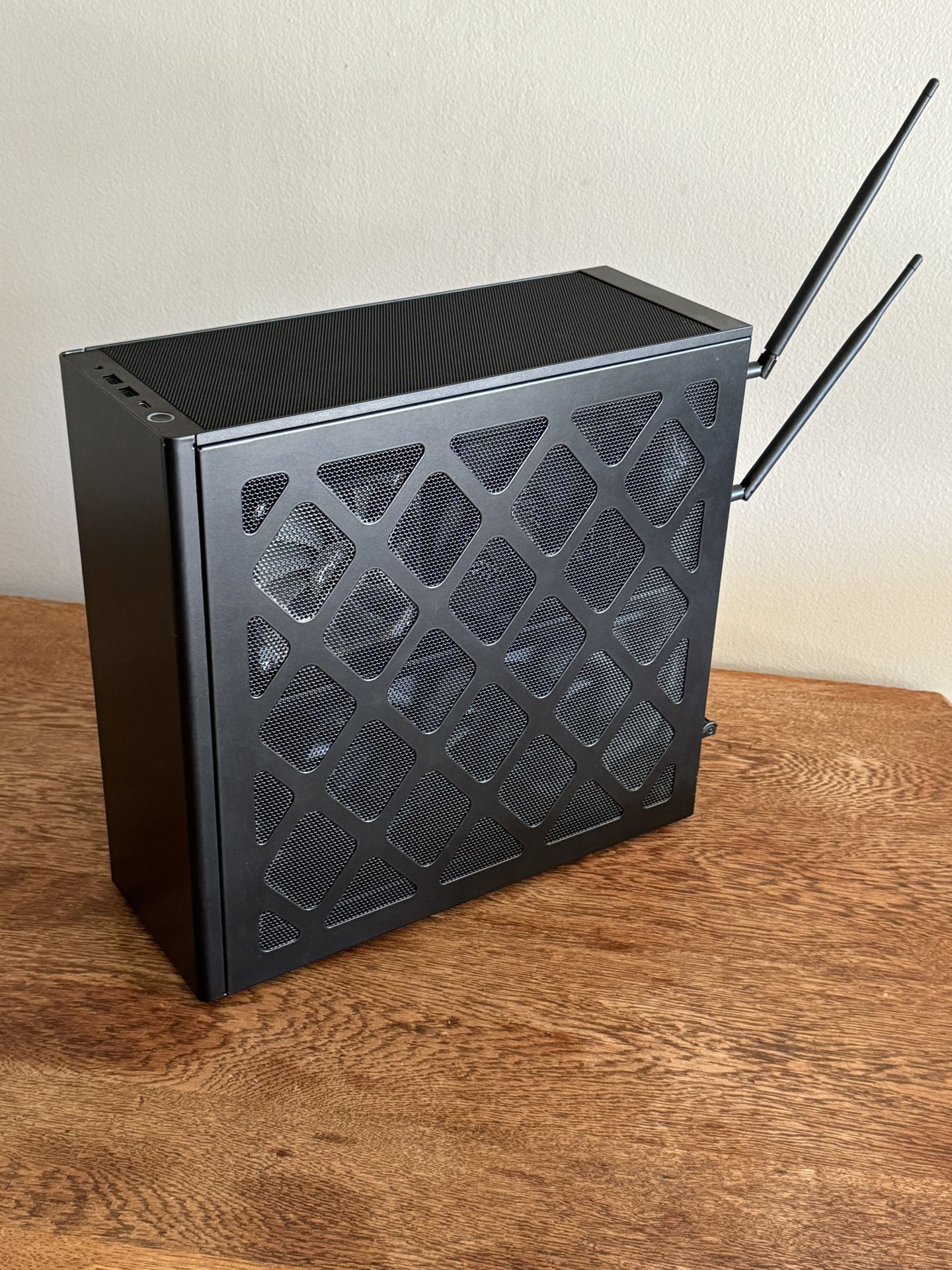
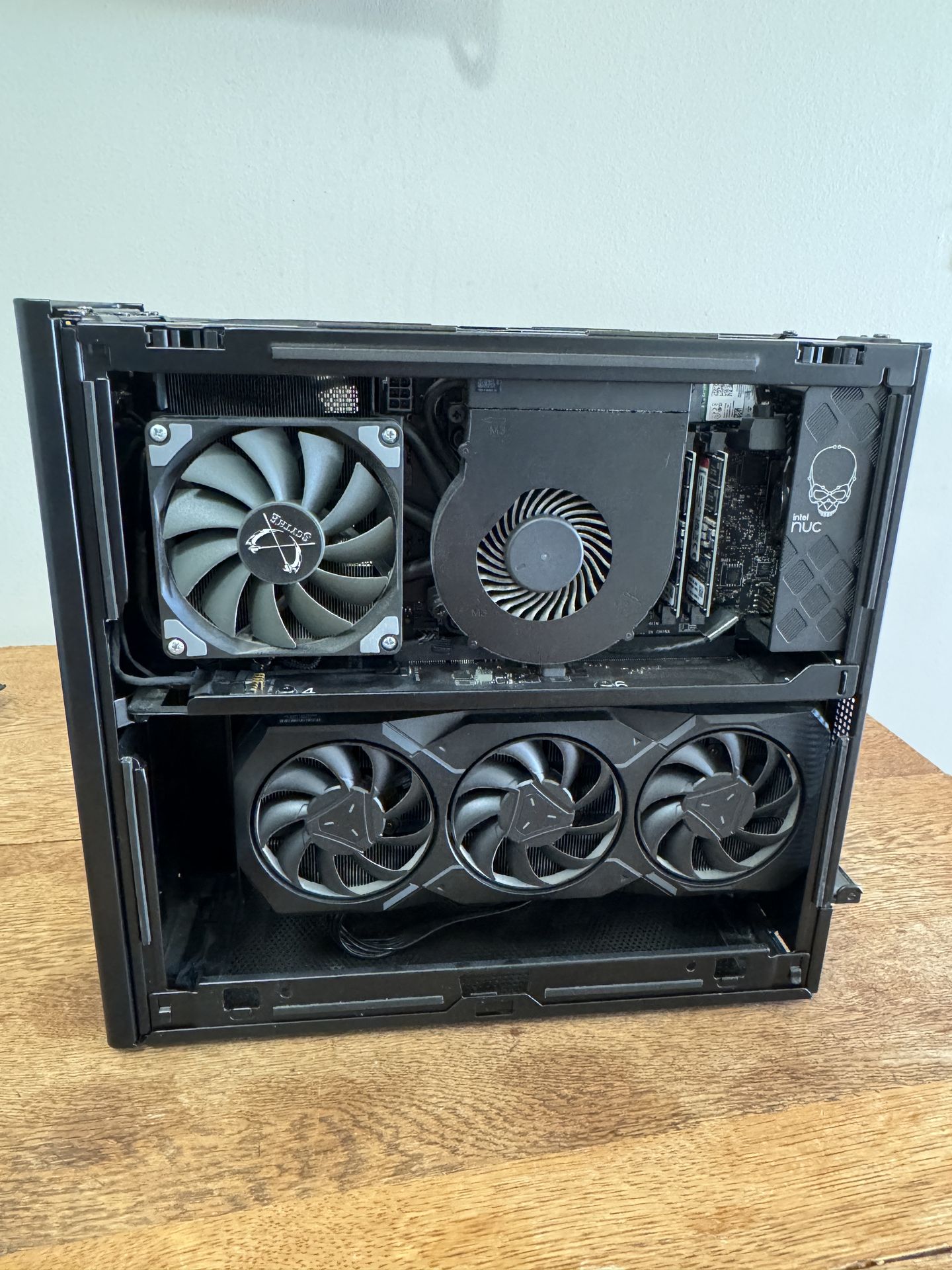
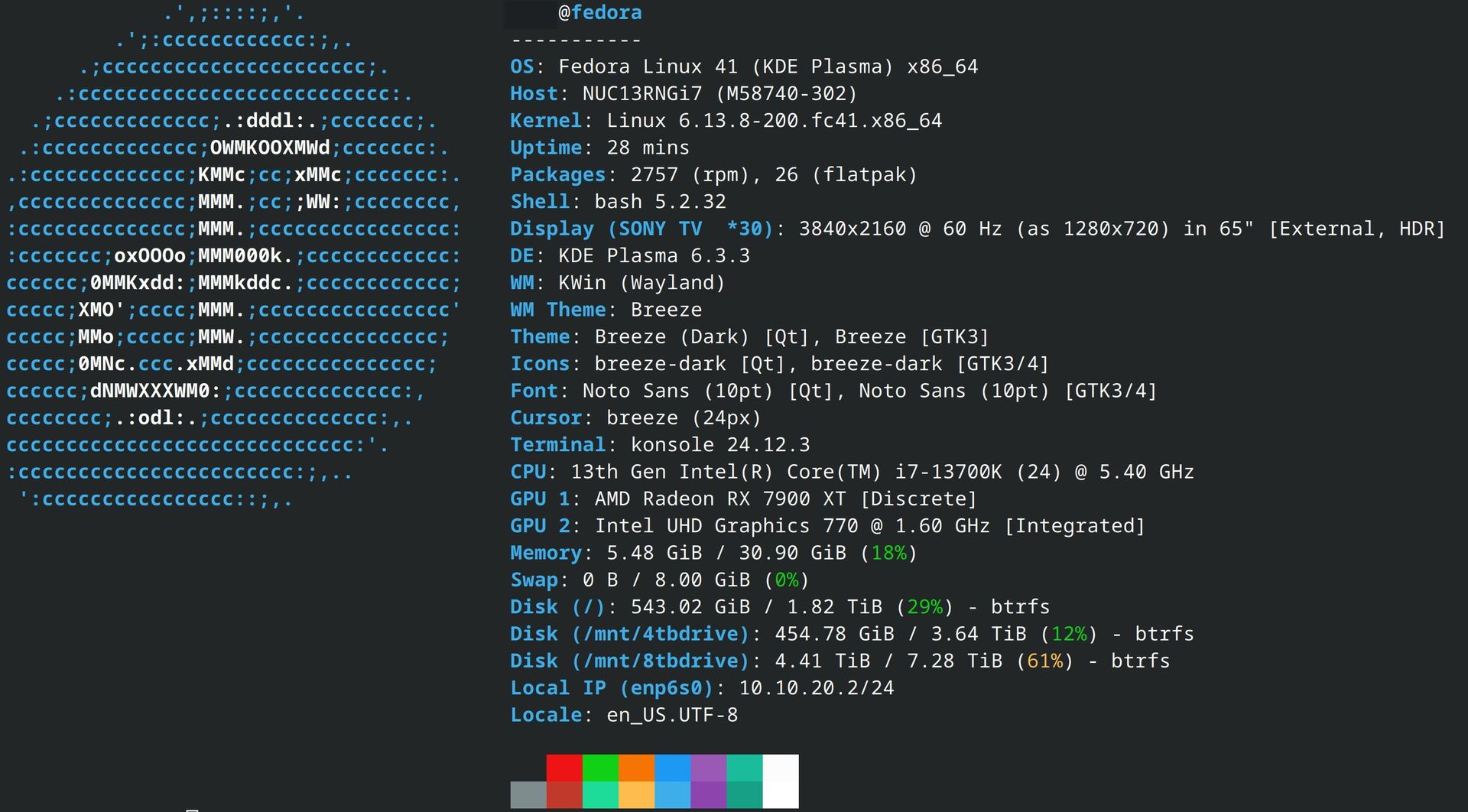
My Desktop is truly a multi-purpose machine. It is a web surfing beast, game console, home theater pc, AI server and backup target for some of my servers. I use it to manage my home-lab and develop this website. 

I don't have space for a computer desk

  • Chassis: Intel NUC 13 Extreme
  • CPU: Intel i7 13700K
  • GPU: AMD 7900 XT
  • Memory: 32 GB ddr5 sodimms
  • Storage: 2 TB m.2 nvme ssd
  • PSU: 1000W sfx
  • OS: Fedora Linux

My Server

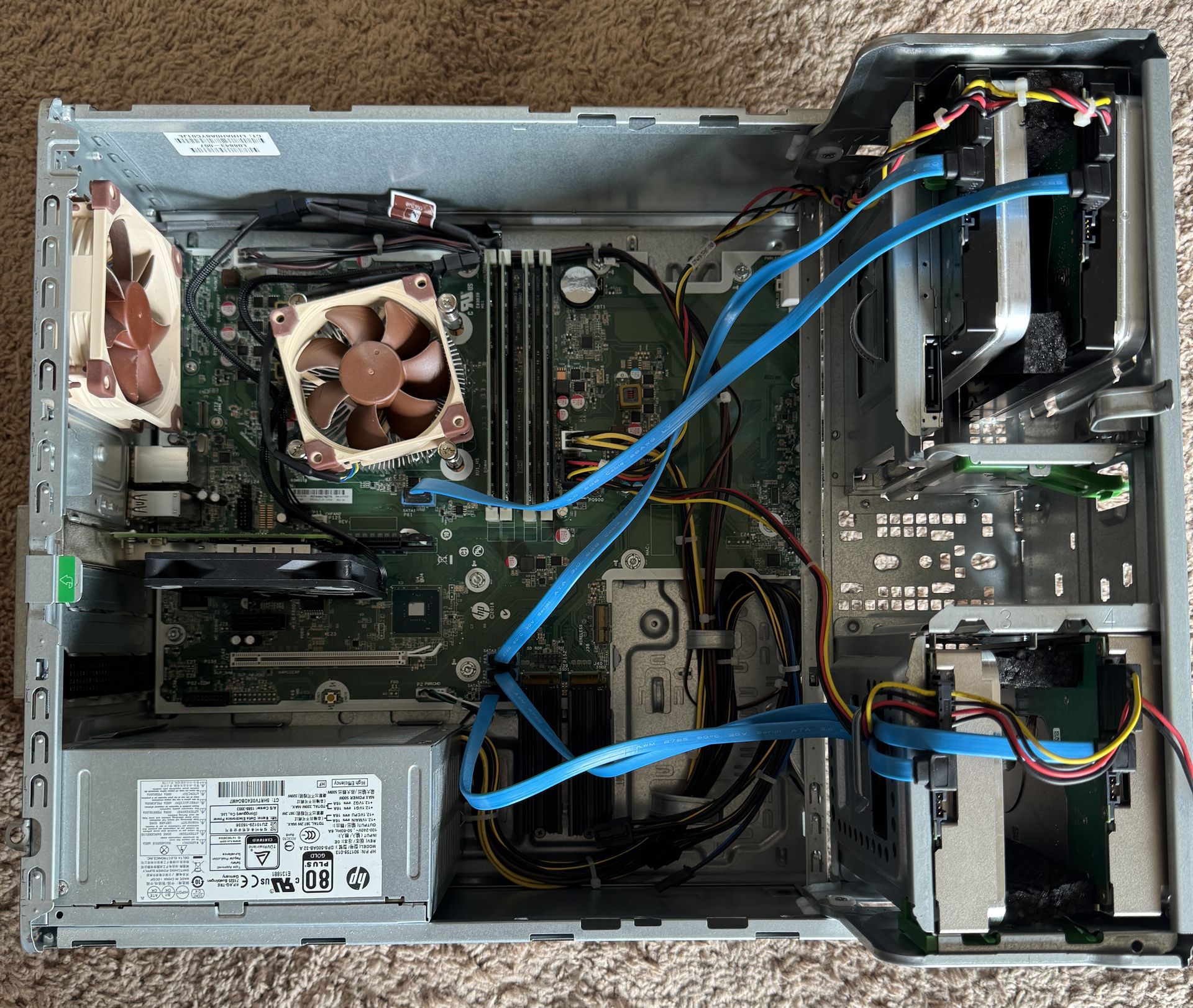
I got this old hp computer for cheap from my old job. It fits nicely in the media cabinet under the TV. It was only designed to hold two hard drives, but with I bit of hacking and cutting, I found space for two more in the 5.25 inch bay. Since the chassis didn't come with drive sleds, I fashioned my own with black Styrofoam blocks. It's very janky, but it works.

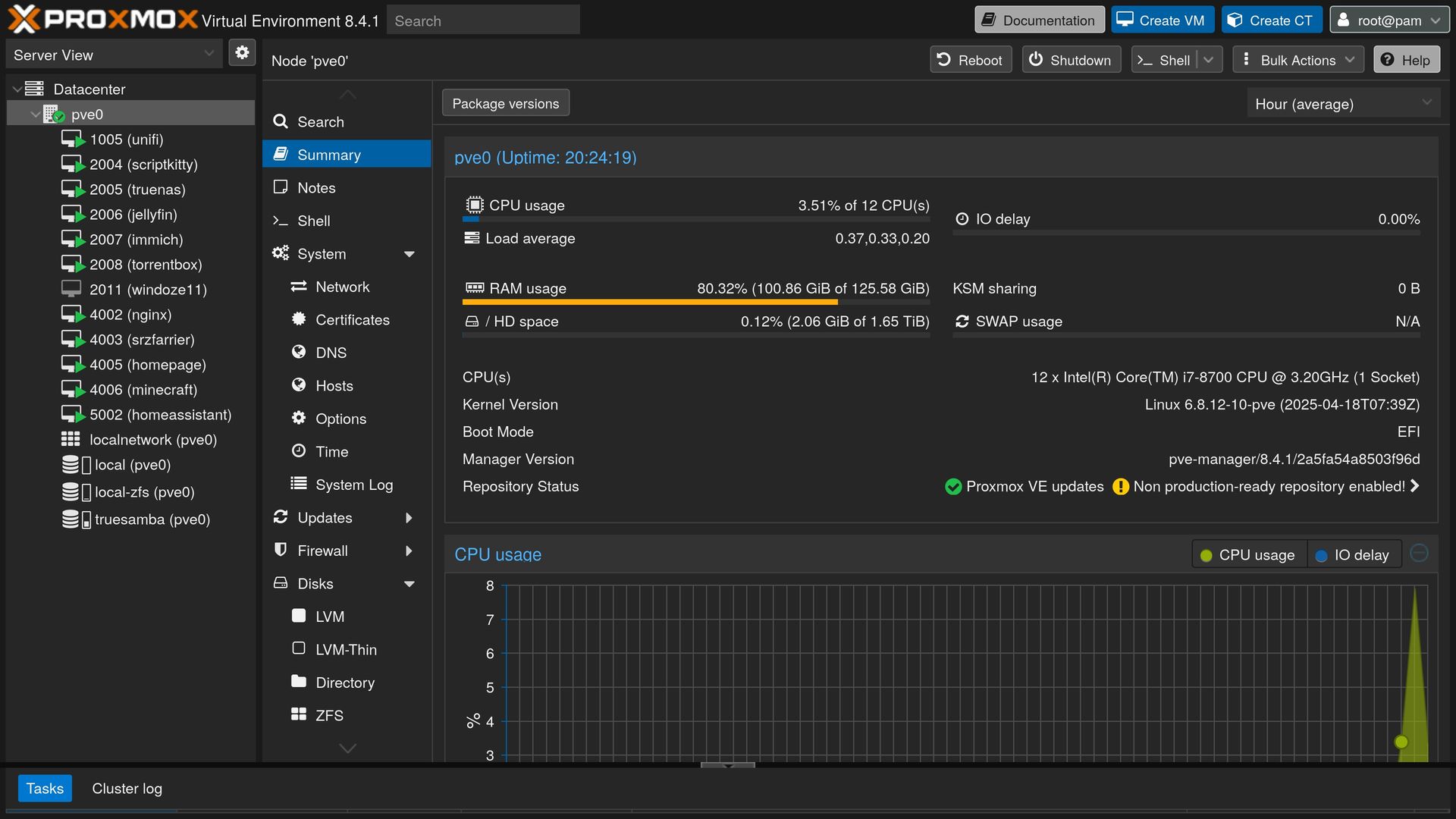
The main operating system on the server is Proxmox, a type 1 hypervisor that is purpose built to host other virtual computers. It runs everything from Windows and MacOS to Linux, BSDs and Containers, all on one CPU.  It is a powerful learning tool as it allows me to create, destroy, restore and experiment with various operating systems and software packages.

  • Chassis: HP Elitedesk 800 G4 Tower
  • CPU: Intel i7 8700k
  • Memory: 128 GB ddr4
  • Storage: 
    • 2x 2 TB m.2 nvme drives in raid z1
    • 4x 12 TB nas hard drives in raid z2
  • Networking: 10 Gigabit SFP+ pcie card
  • PSU: 550W
  • OS: Proxmox hypervisor

Projects on my to-do List

We are committed to providing exceptional support and resources to help you succeed with our platform.

To-Do List

  • Self Hosted email server
  • Self Hosted password manager
  • Host an Onion Relay
  • Simulate a Windows active directory server and clients
  • Simulate a Kubernetes Cluster
  • Run Proxmox in a 3-node cluster for high-availability